Step 1
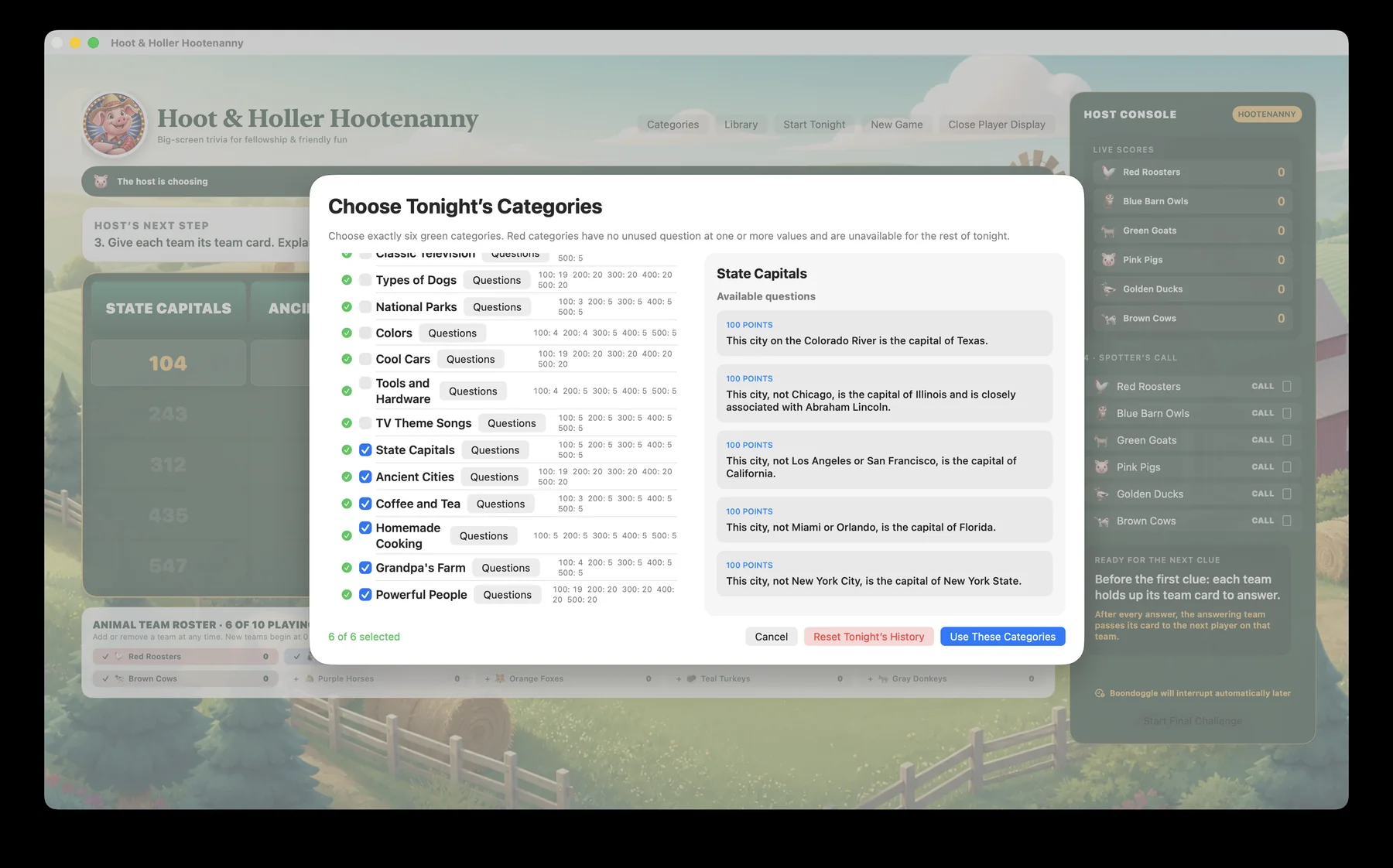
Choose tonight’s categories
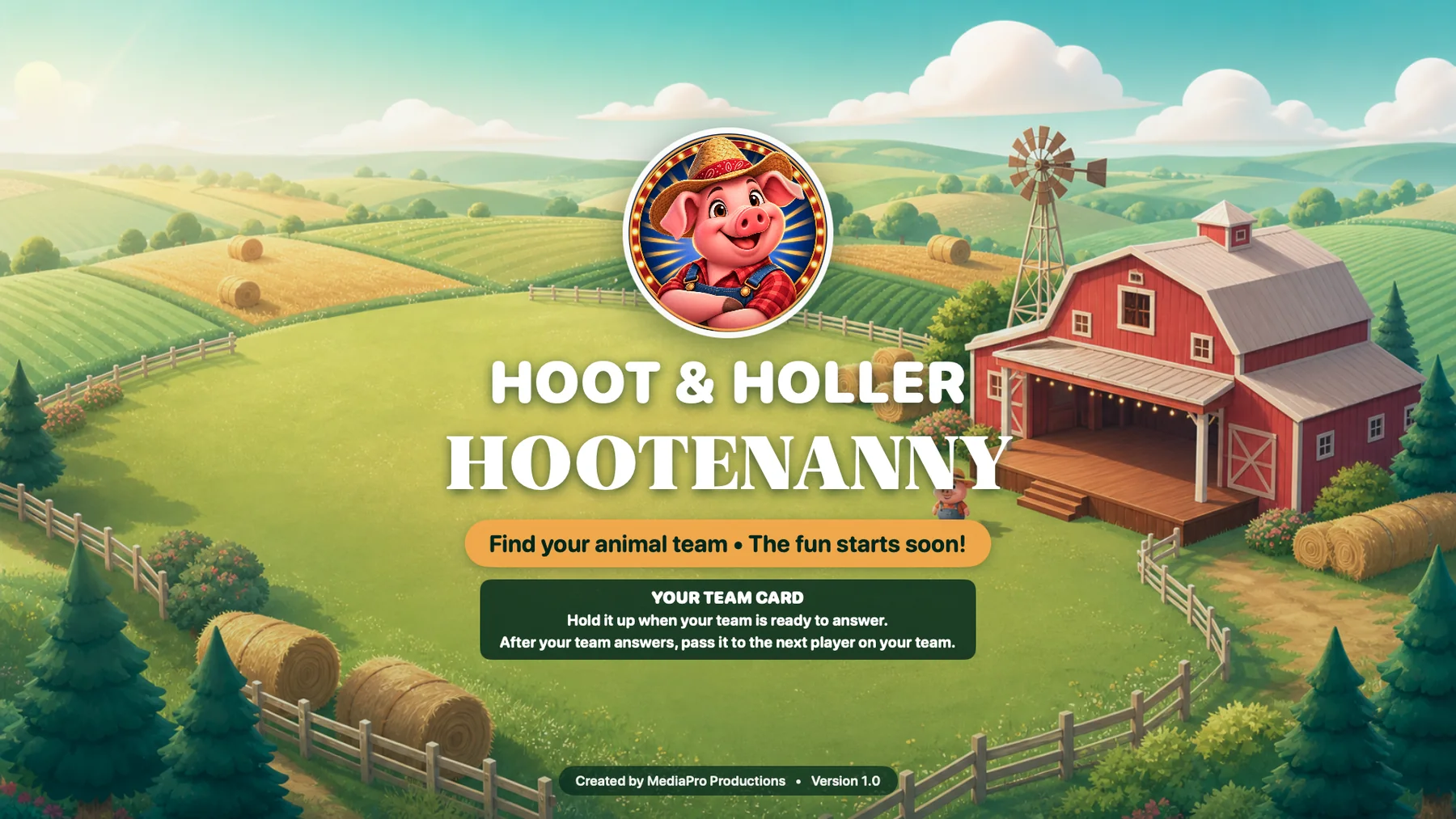
The host selects six topics and privately previews the available questions. The room sees only the welcoming farm scene.
 Hoot & Holler Hootenanny
Two screens working together
Each step pairs the private Host Console with the public Player Display, so you can see exactly what the host controls and what the room experiences.
Section 1
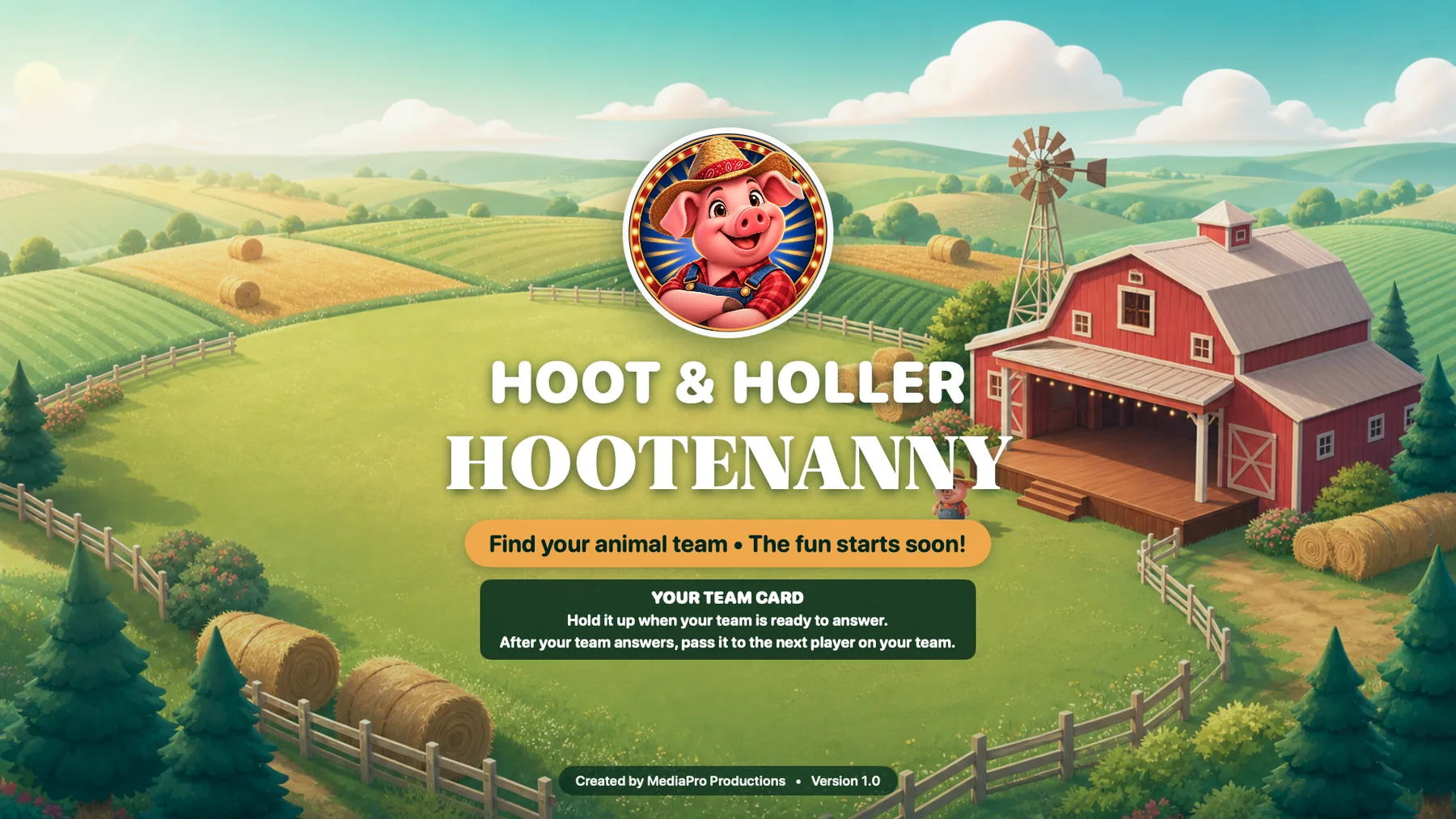
The players enjoy the welcome screen while the host privately prepares categories and teams.
The host selects six topics and privately previews the available questions. The room sees only the welcoming farm scene.
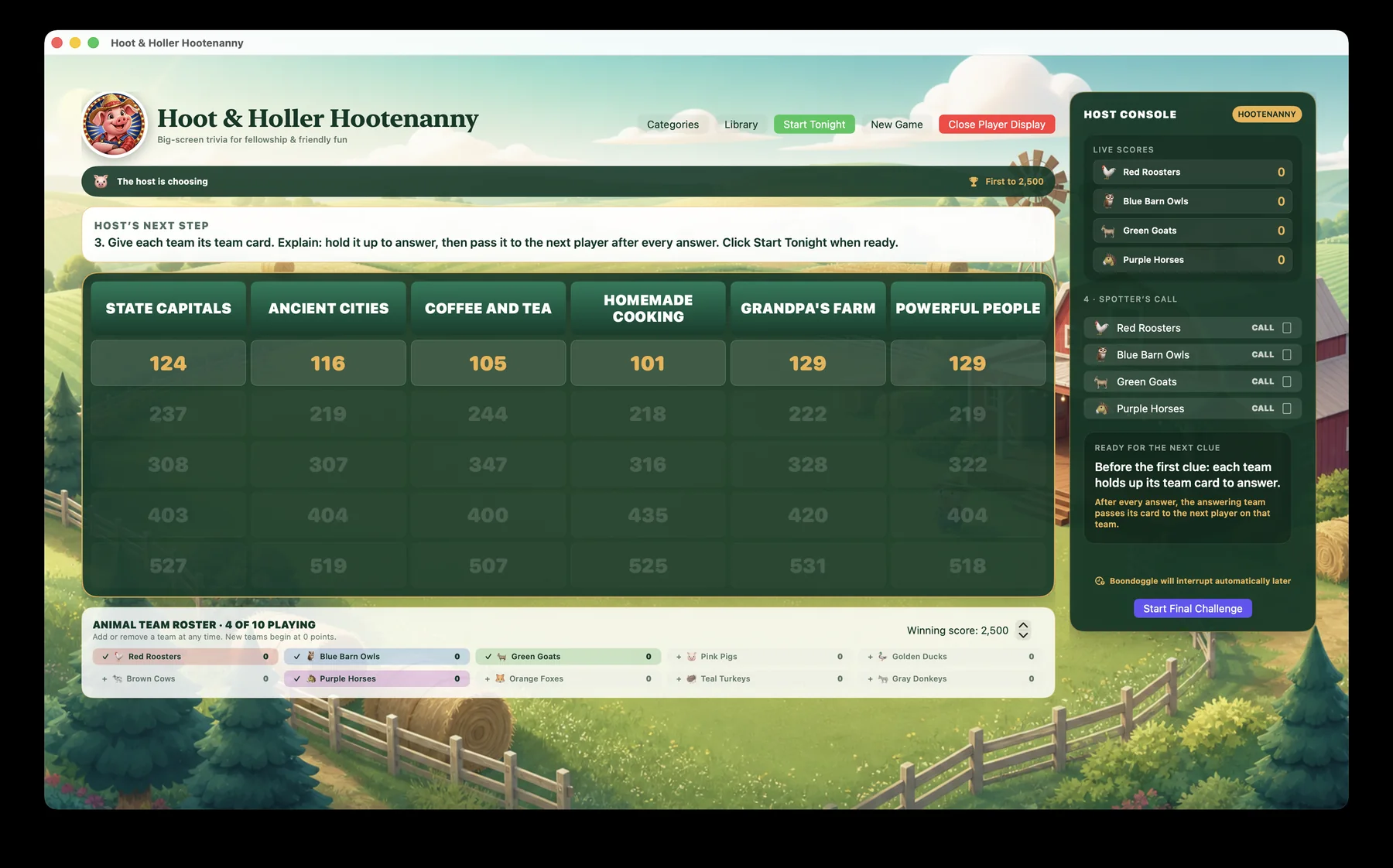
The host confirms the active animal teams and explains the team card. The welcome screen remains undisturbed until Start Tonight is clicked.
Section 2
The board, clue, answering team, result, and score stay synchronized while private controls remain with the host.
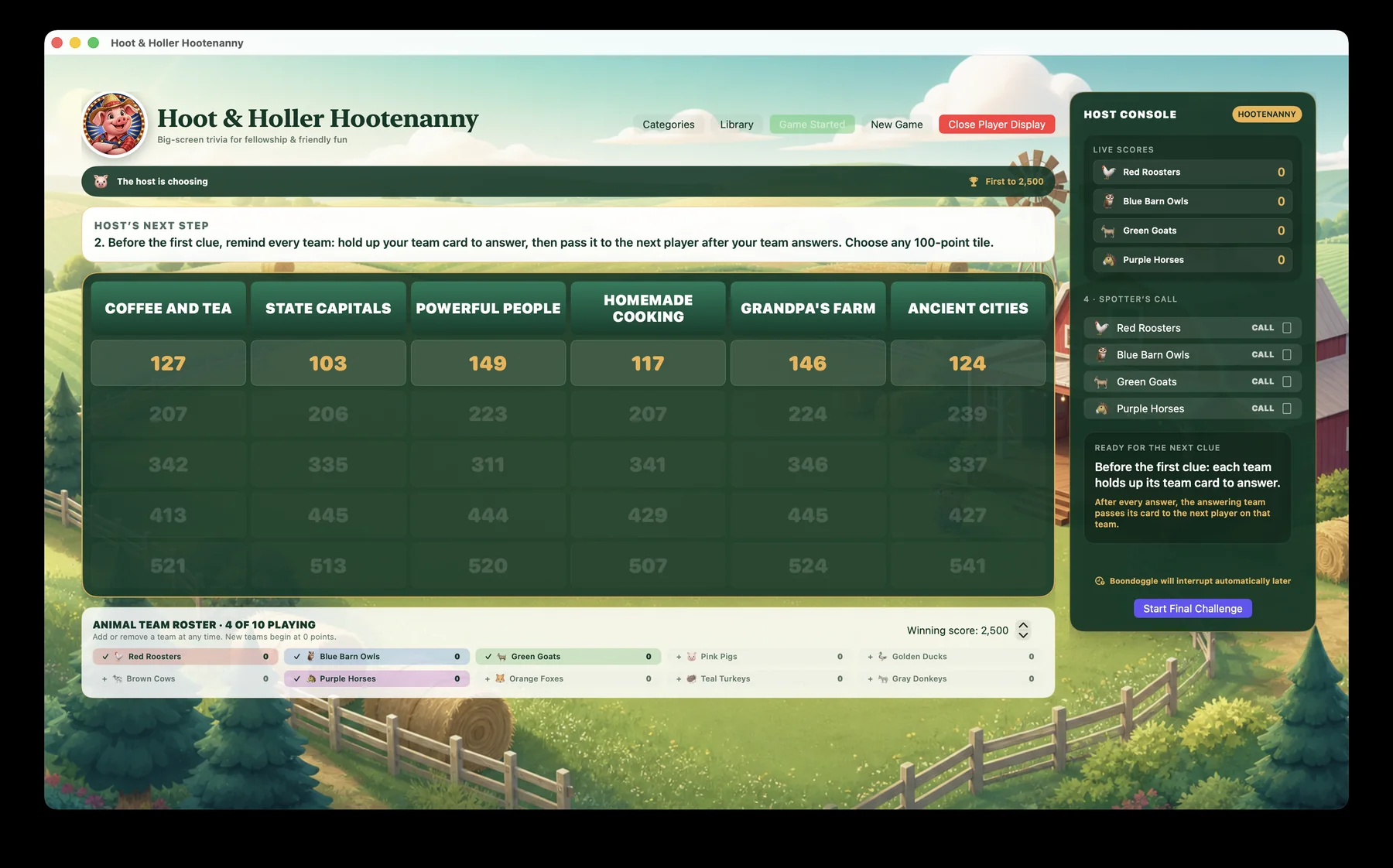
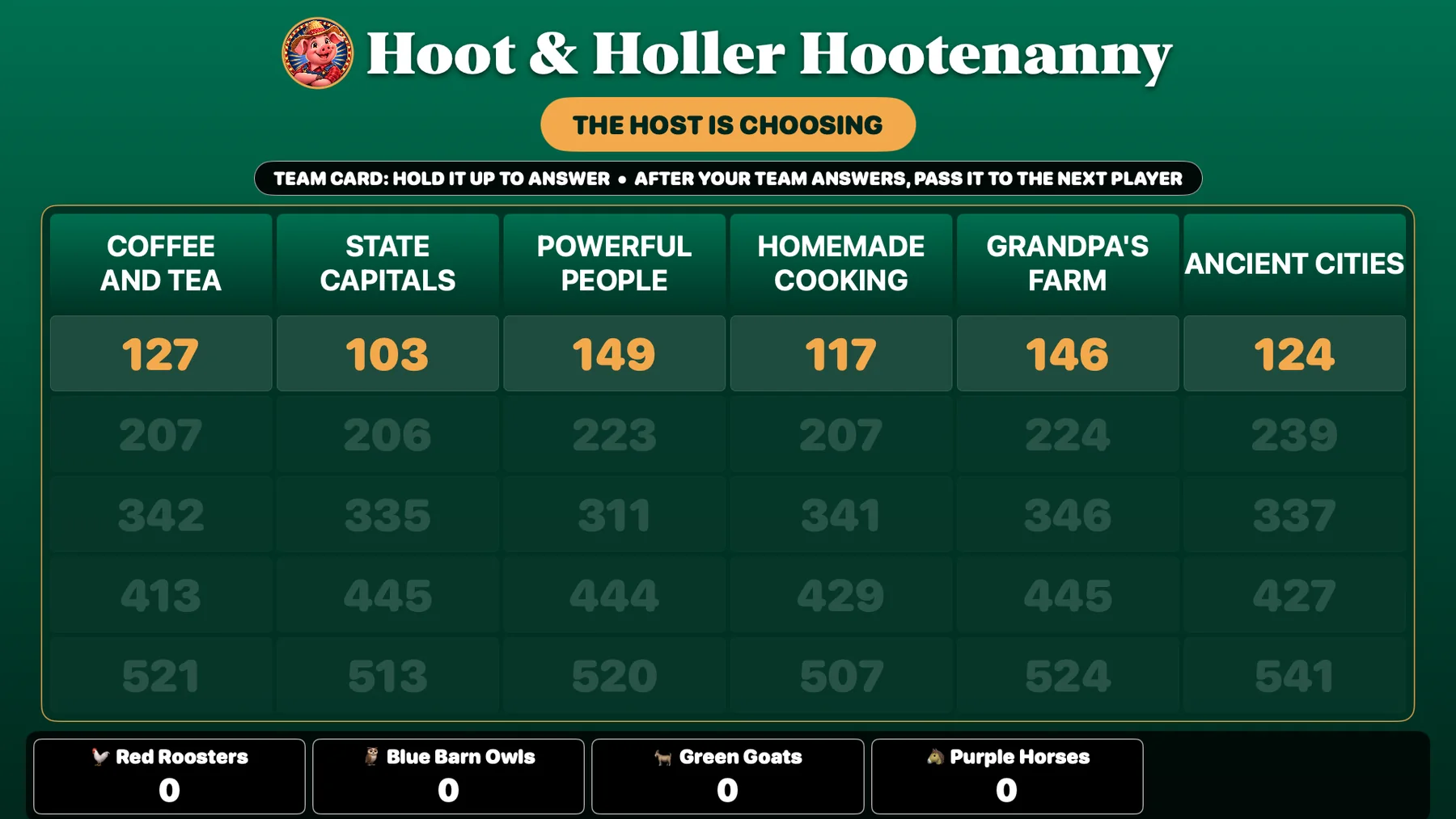
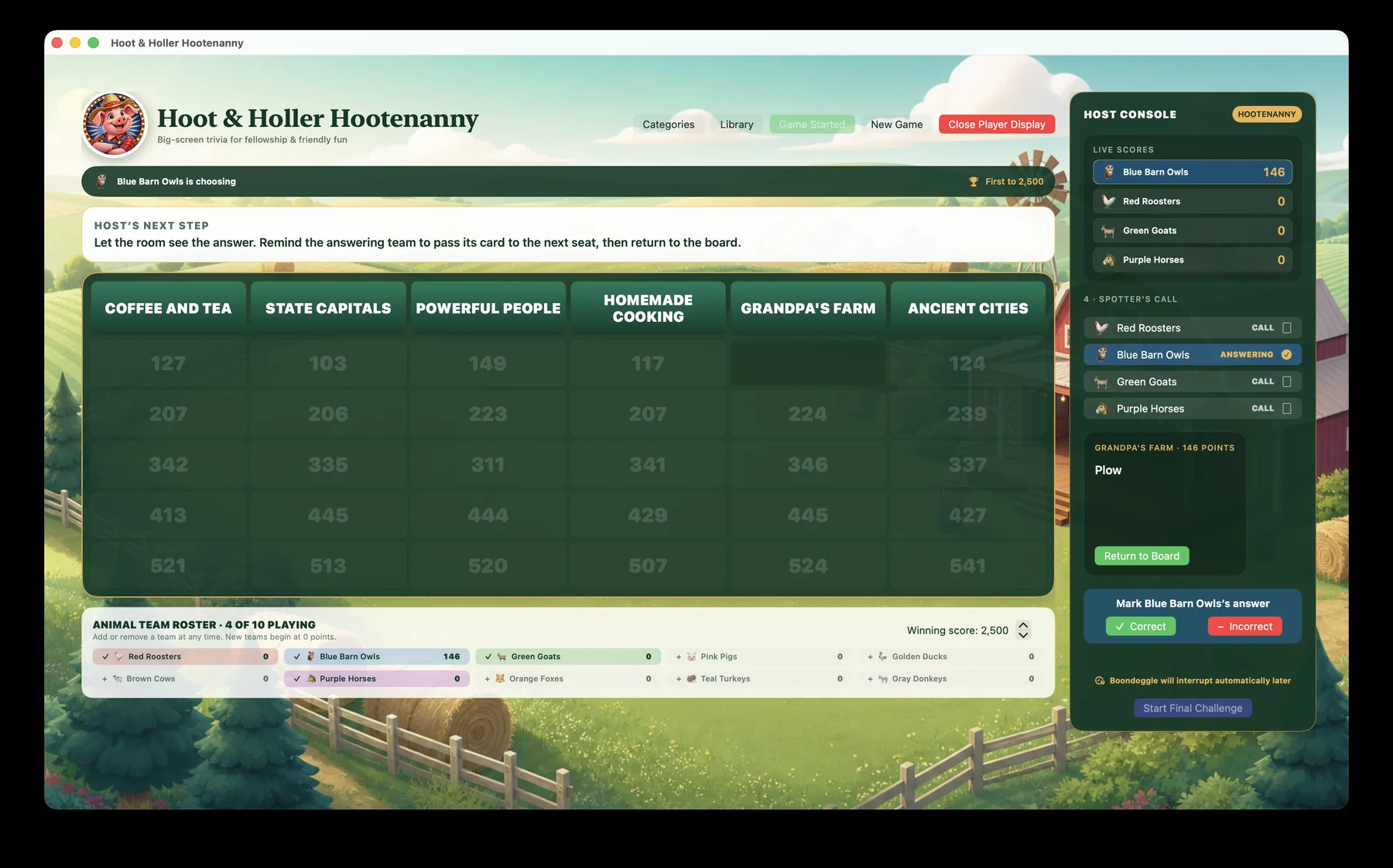
The host operates the complete board and roster. Players see a clean large-format board with five animal teams per row.
The host sees the question and private controls. Players see the clue in large type and the reminder to hold up their team card.
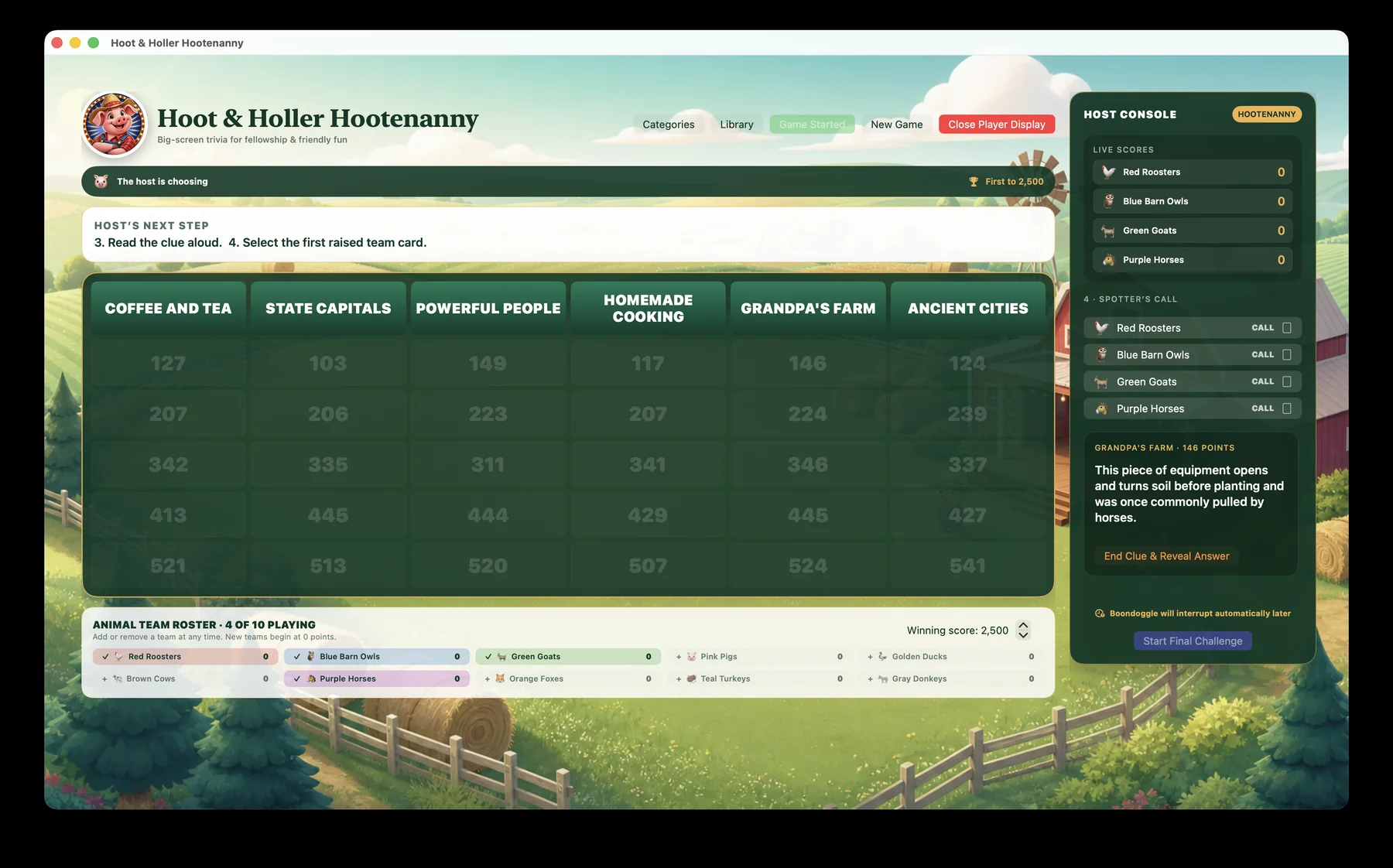
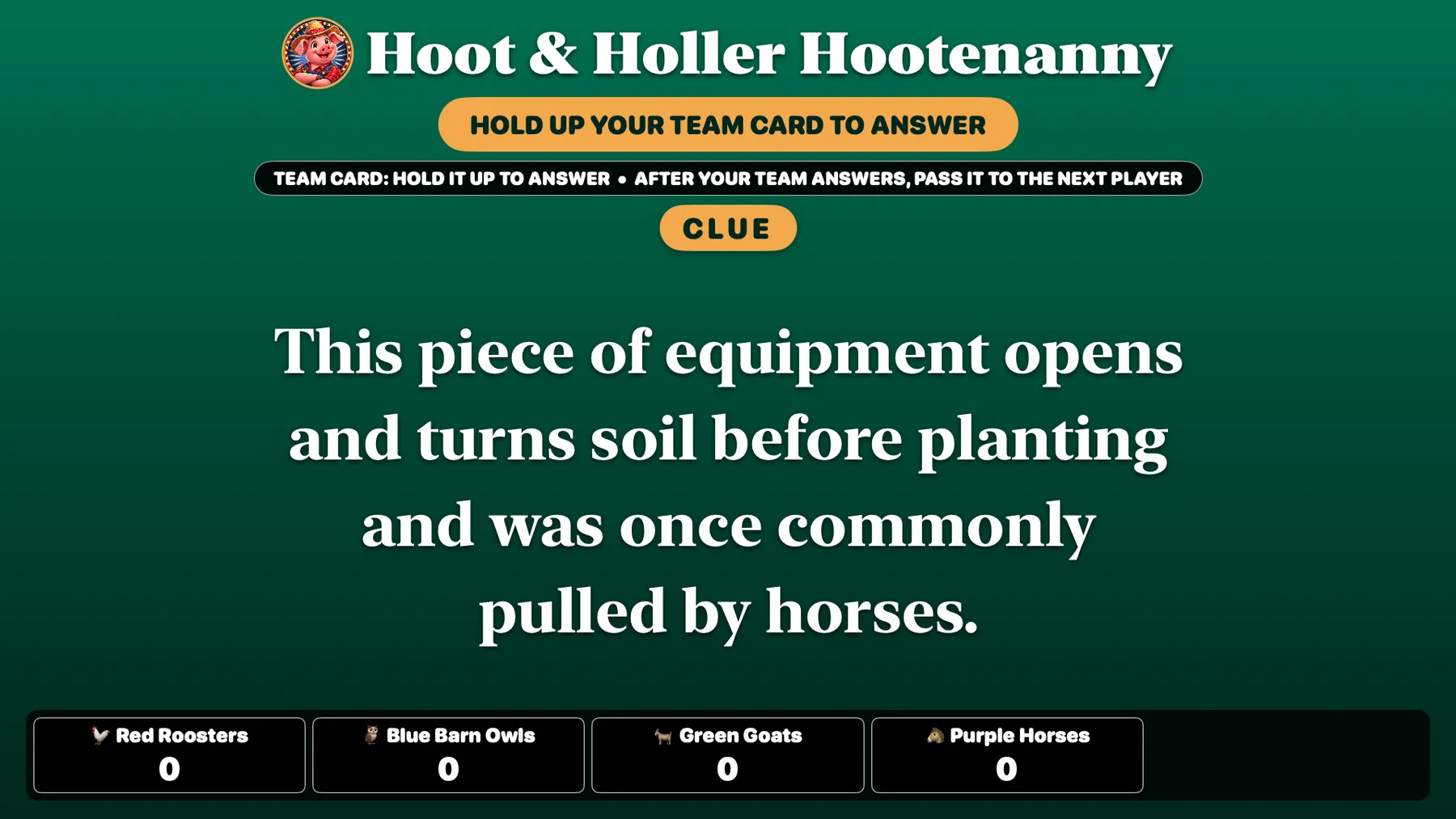
The host clicks the first team card spotted. Both screens identify the answering team, and only that team gives one answer.
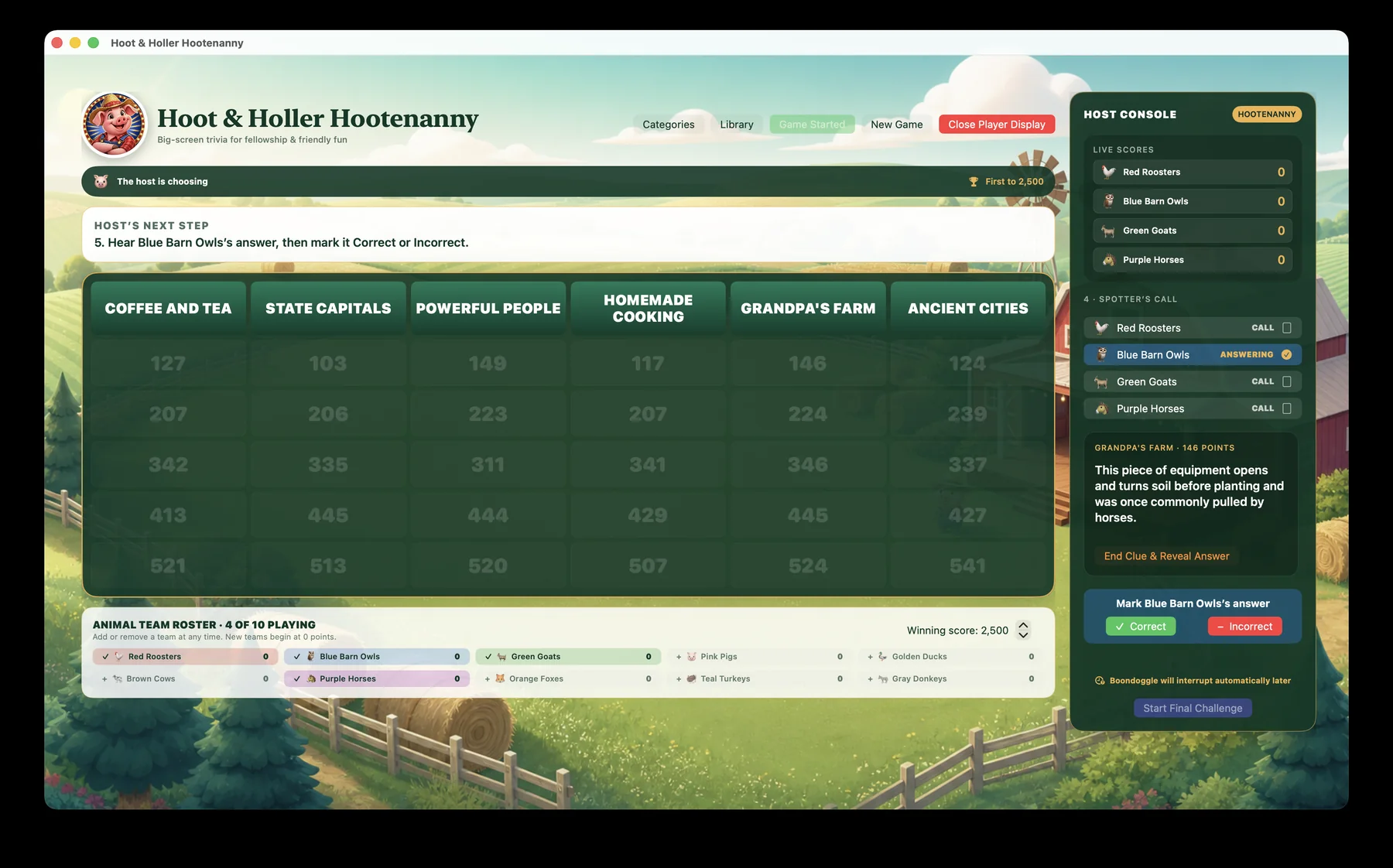
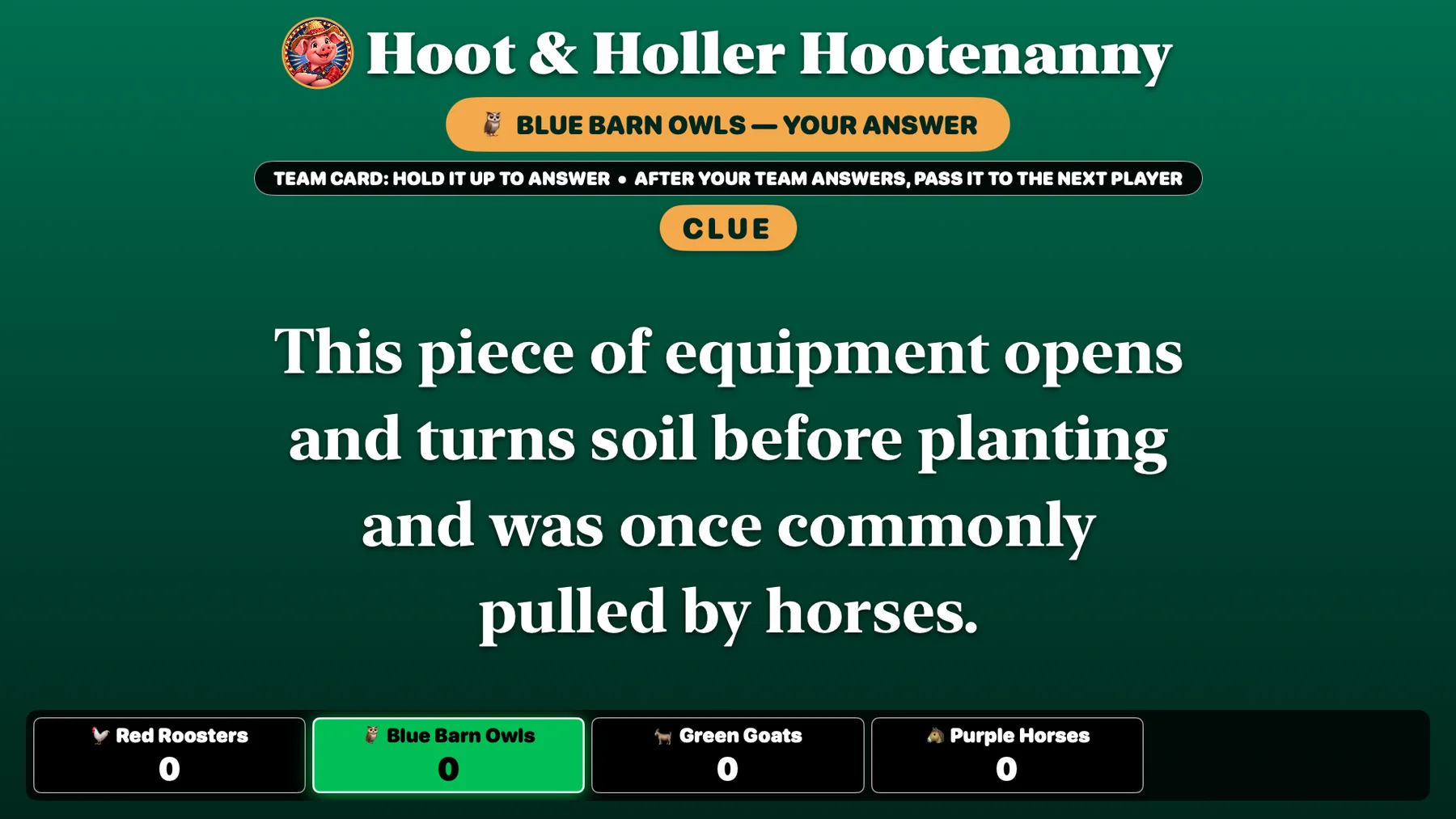
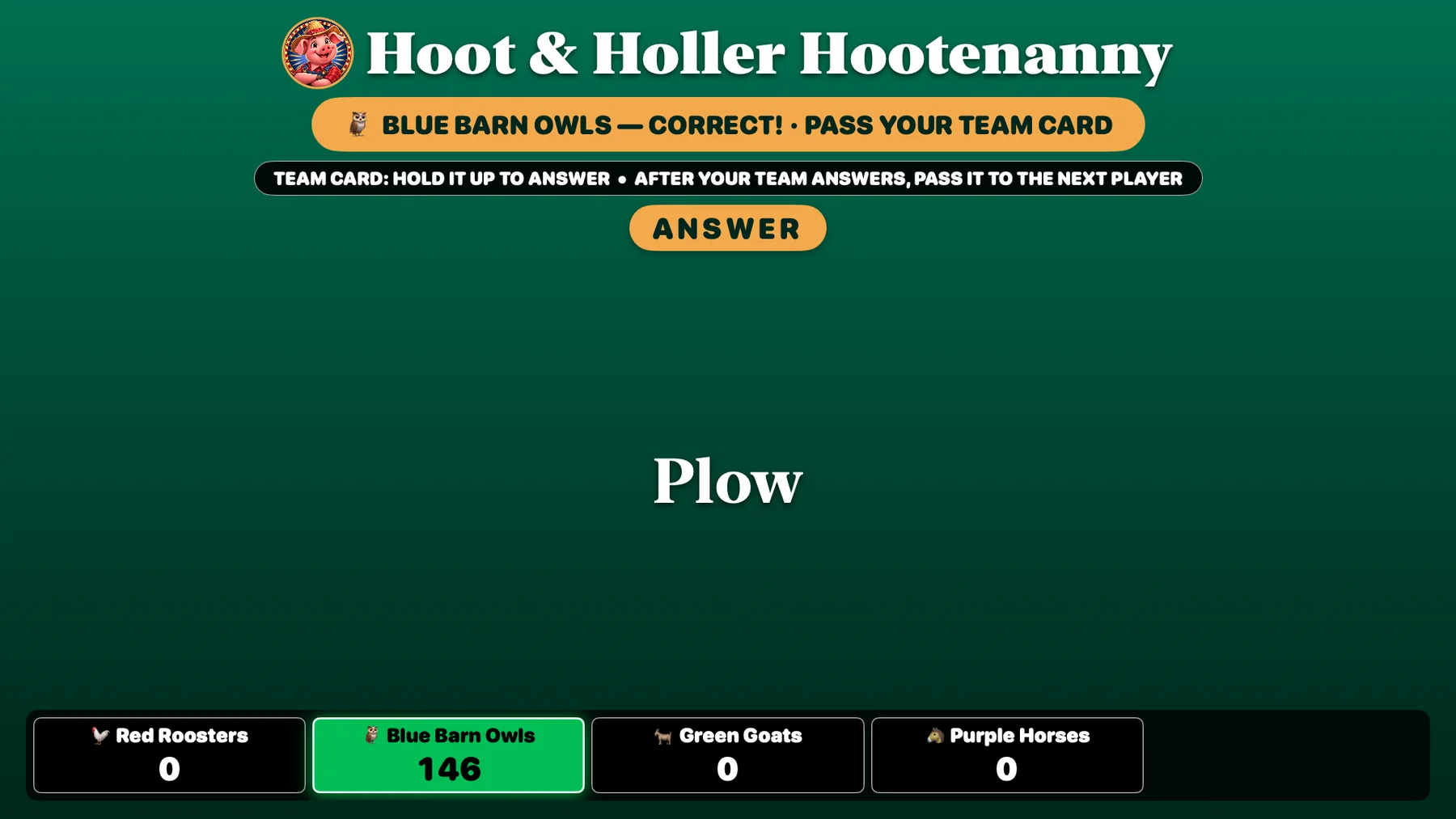
The host marks the one answer. Players see the result, revealed answer, updated score, and reminder to pass the team card.
Section 3
The host controls the timing and private decisions while the room gets the full game-show reveal.
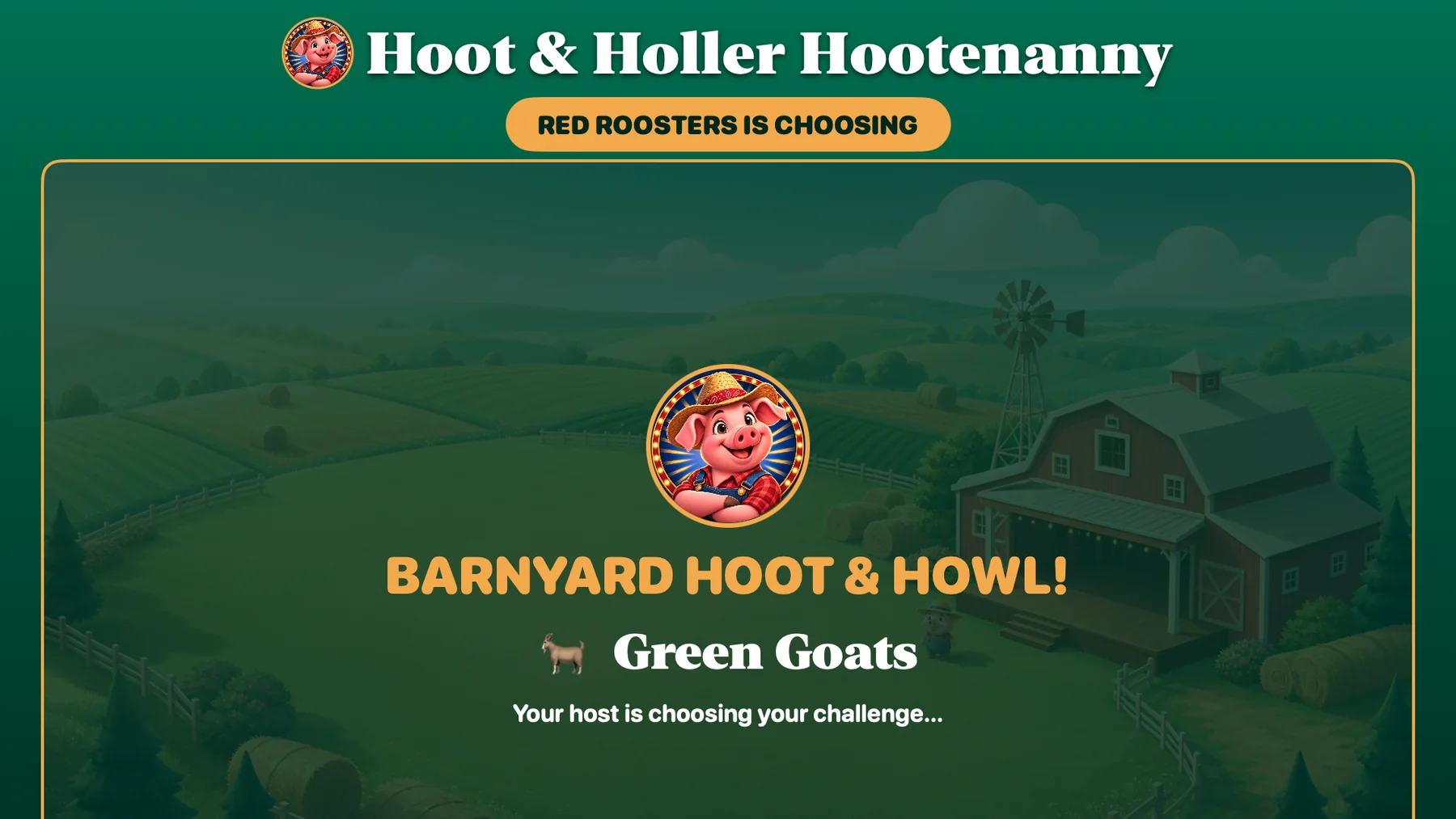
The host privately reviews or skips challenges. Players see the selected team waiting, without seeing the challenge early.
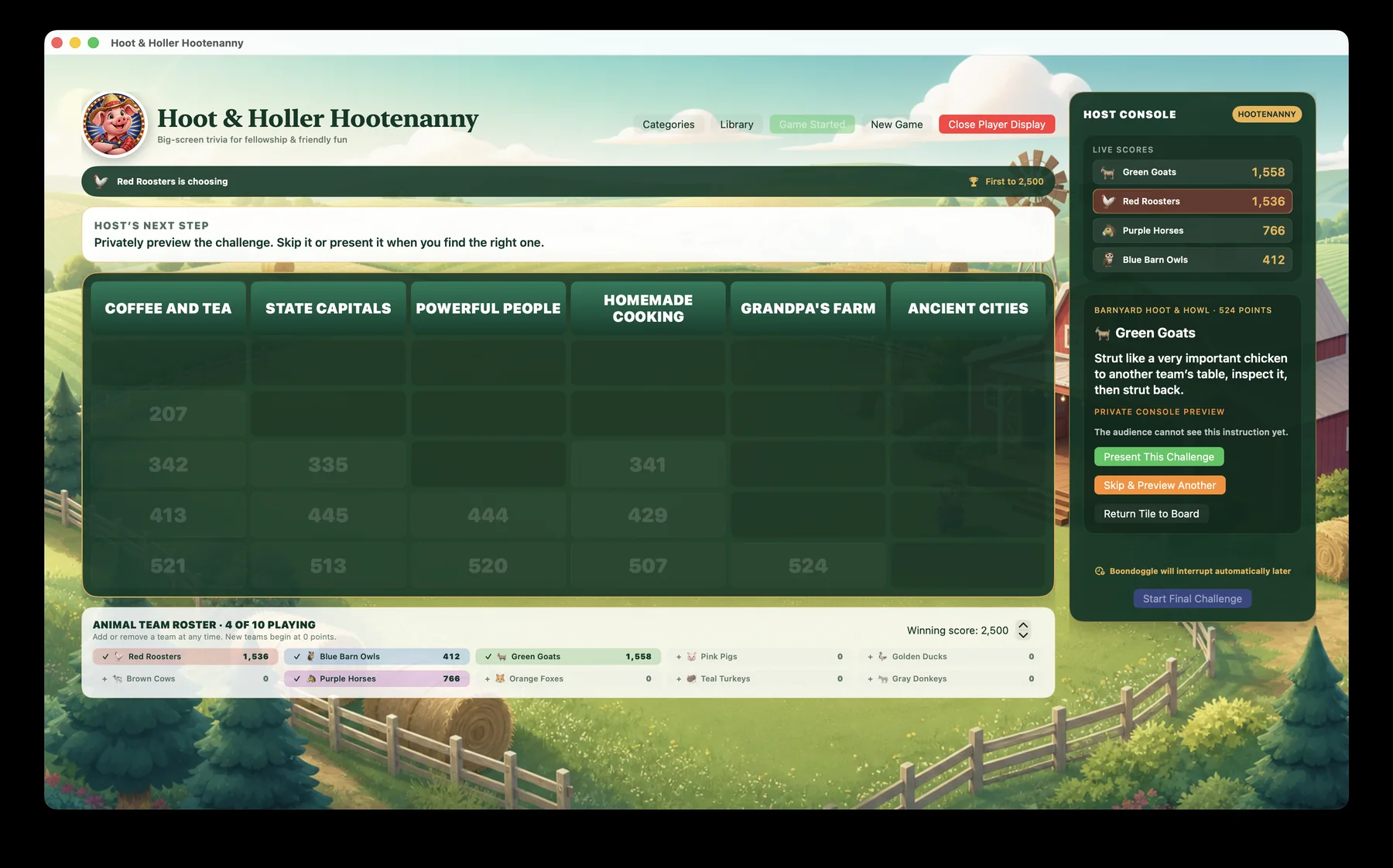
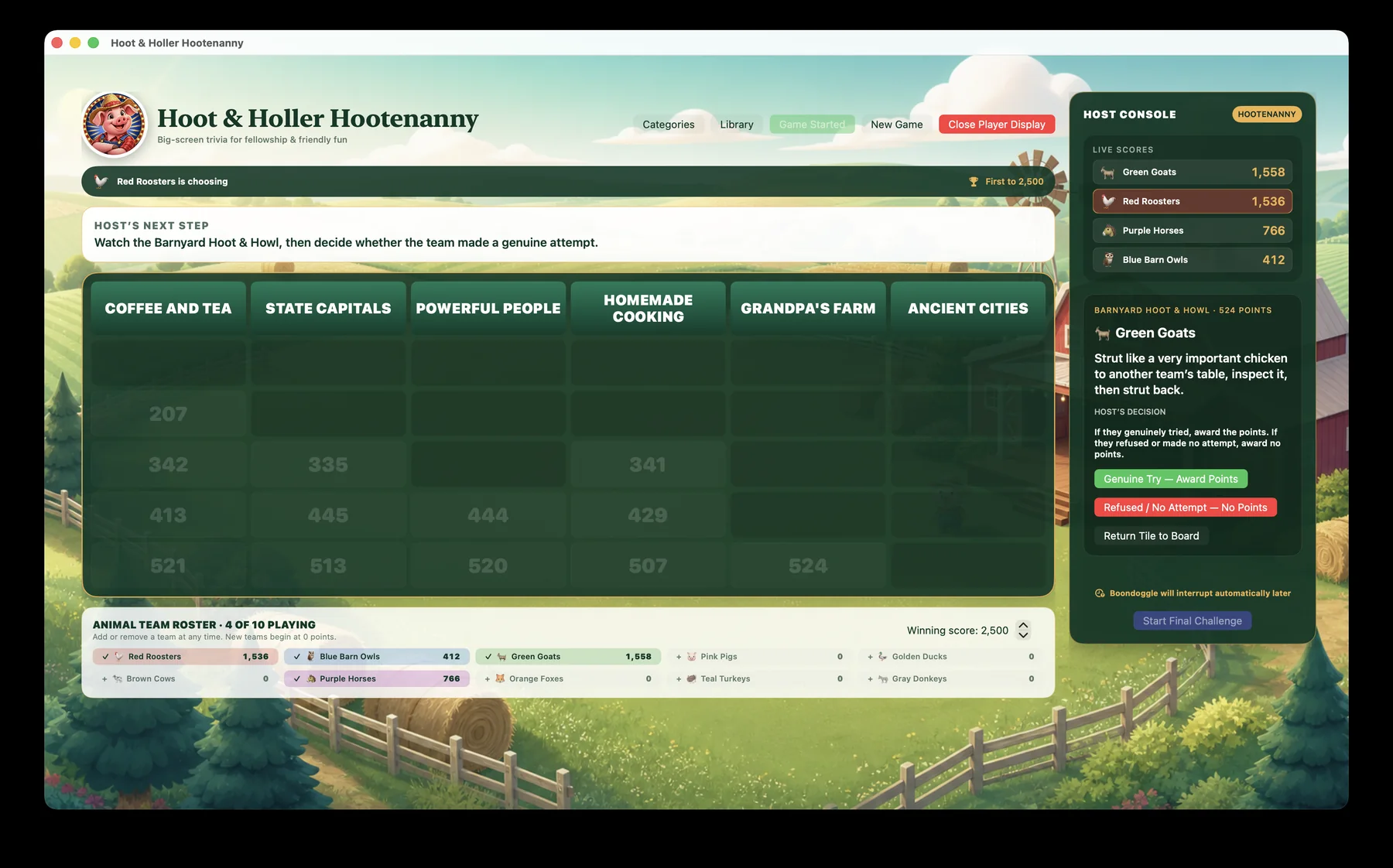
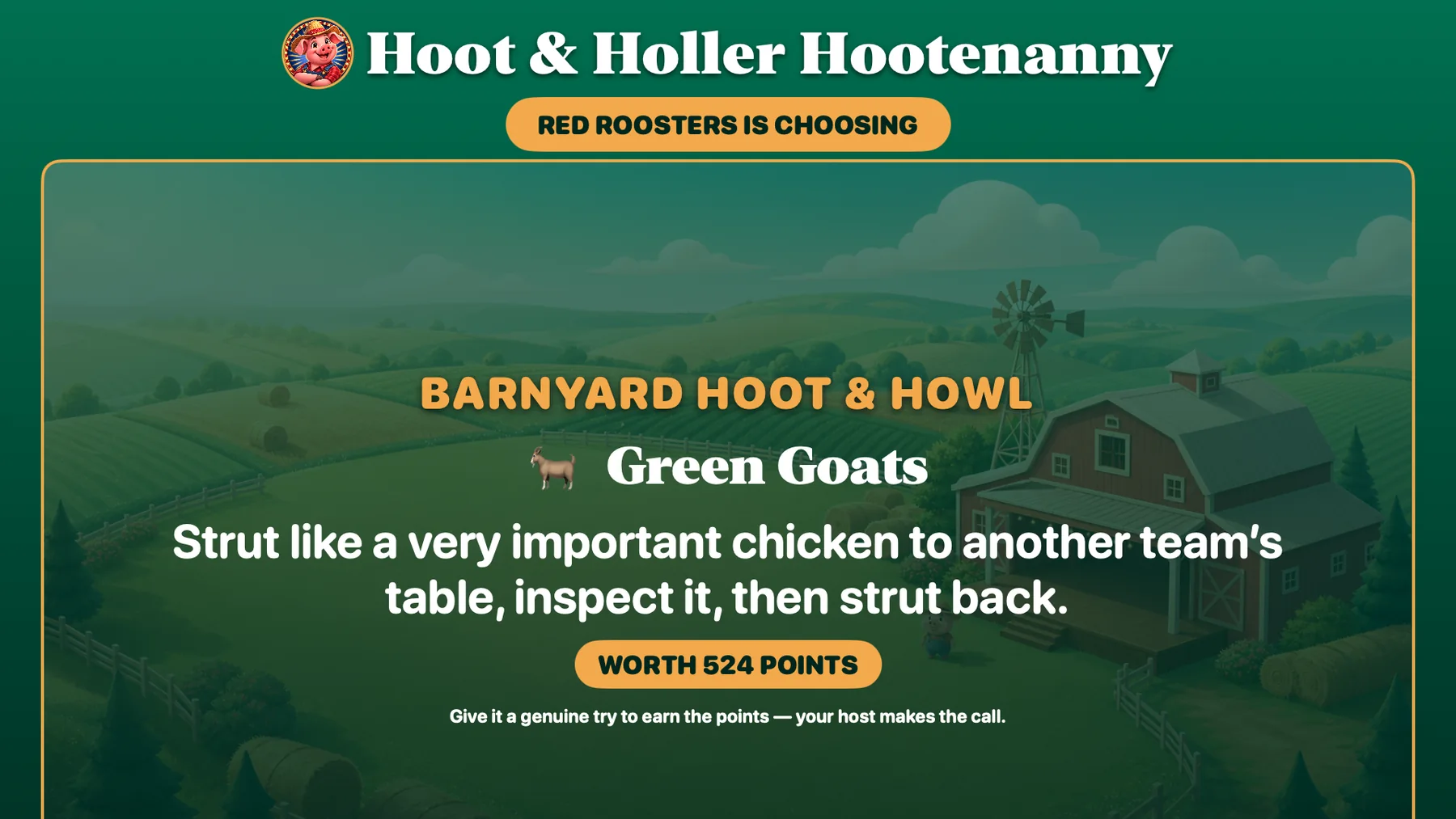
The host presents the chosen challenge and receives the private decision controls. The room sees the team, challenge, and point value.
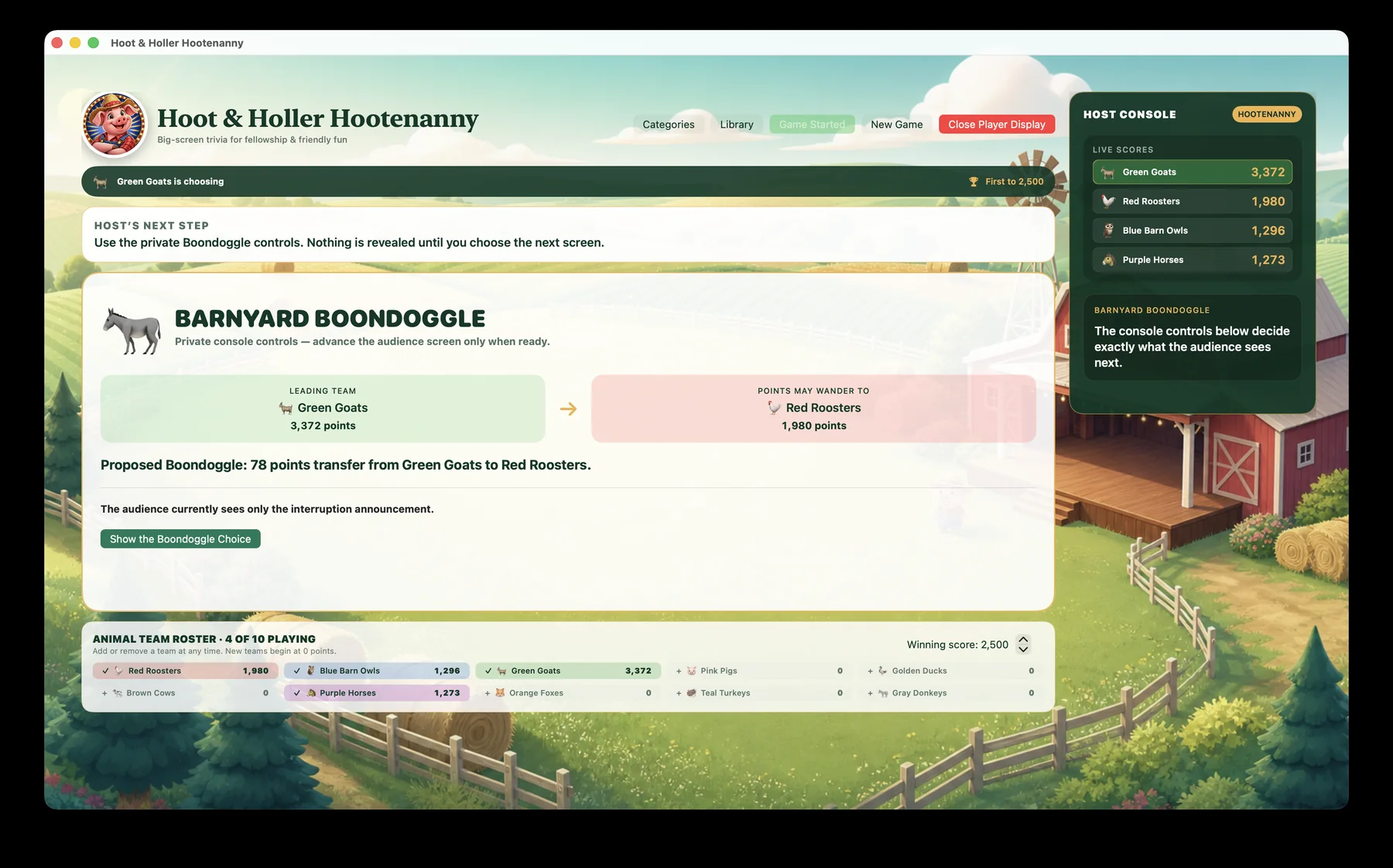
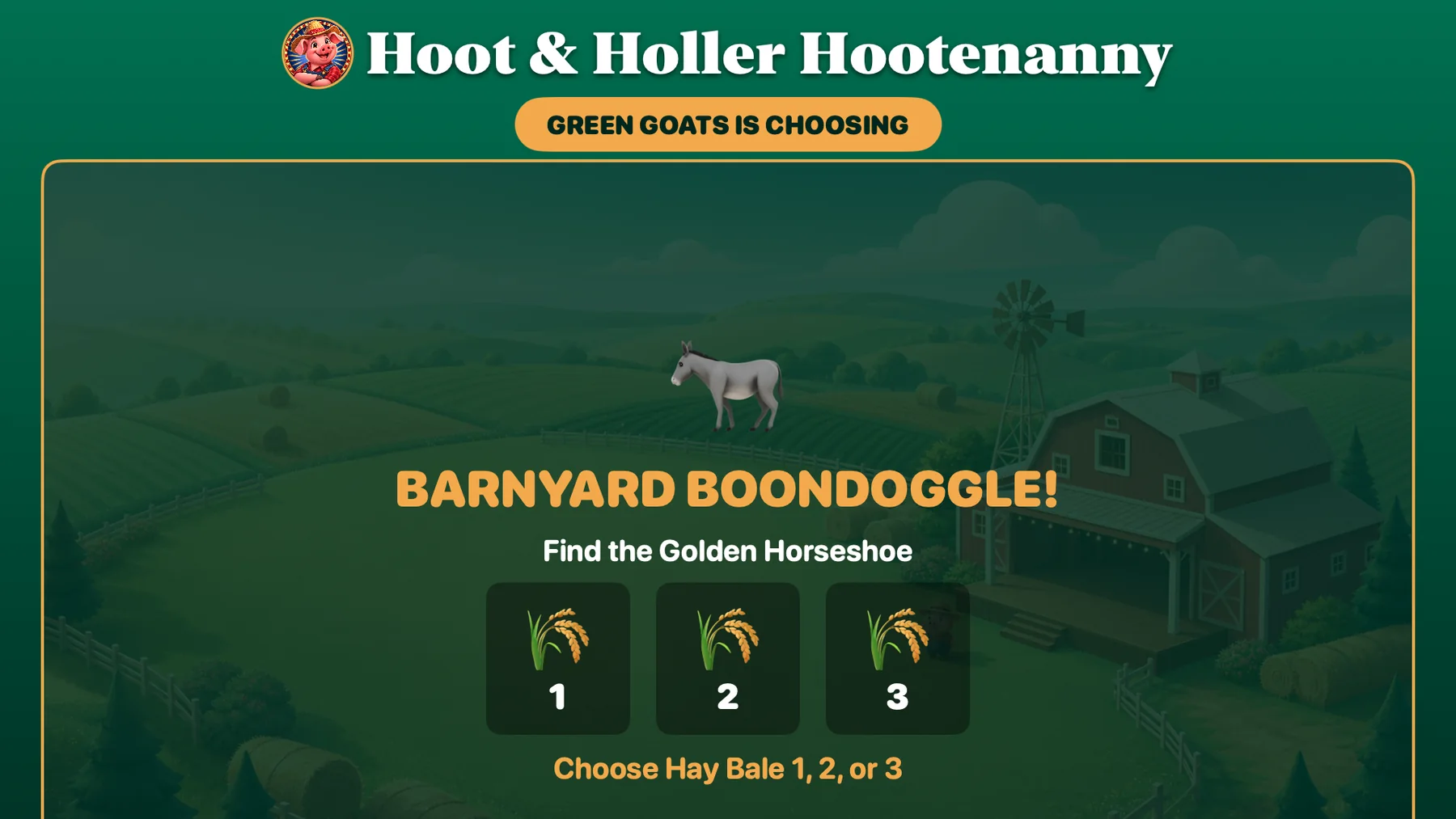
The private console tracks the Boondoggle. Players see the leading team choose among three numbered hay bales.
The host chooses from unplayed categories and the game uses an unused 300-level question. Players see the Final question and current totals.
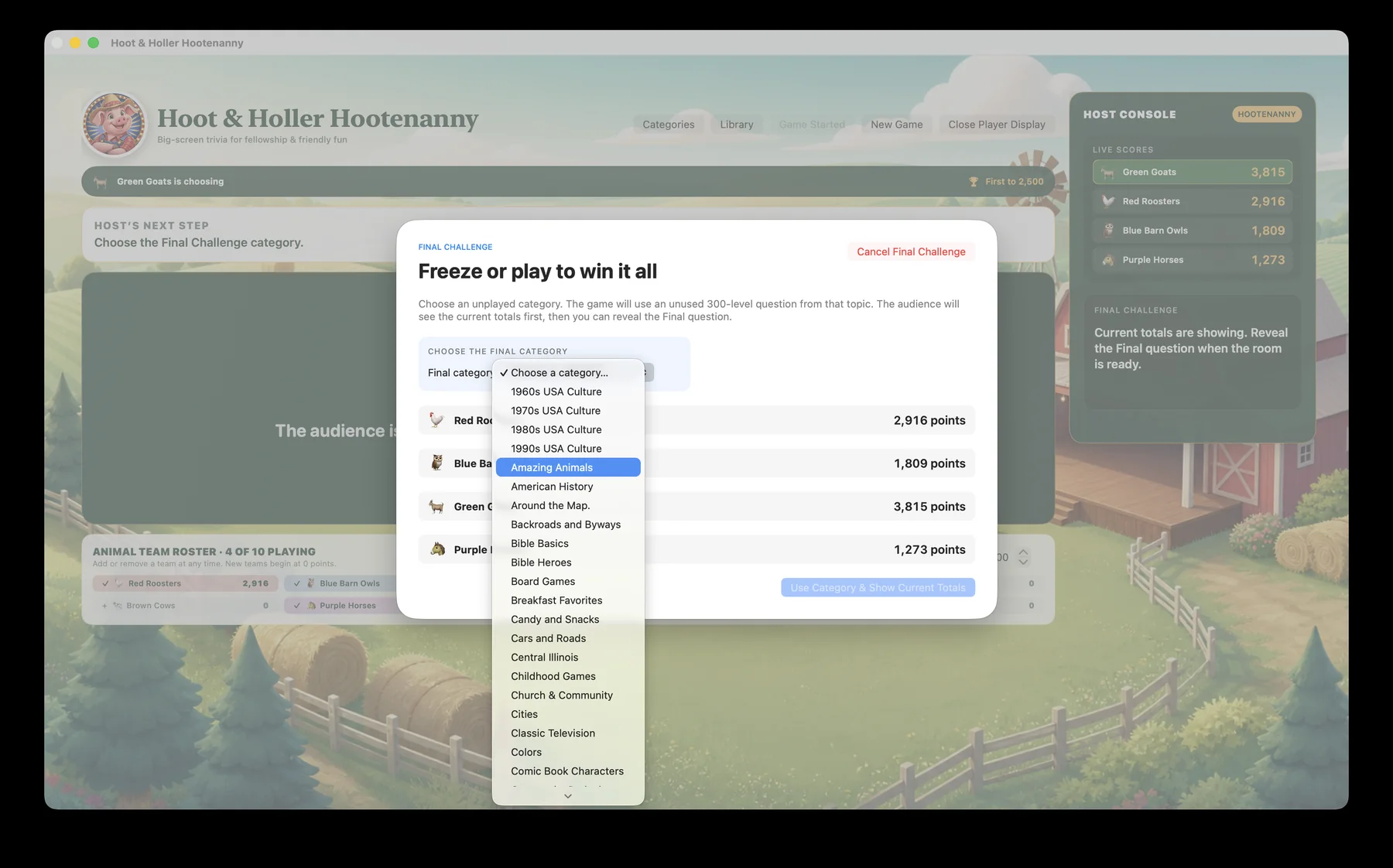
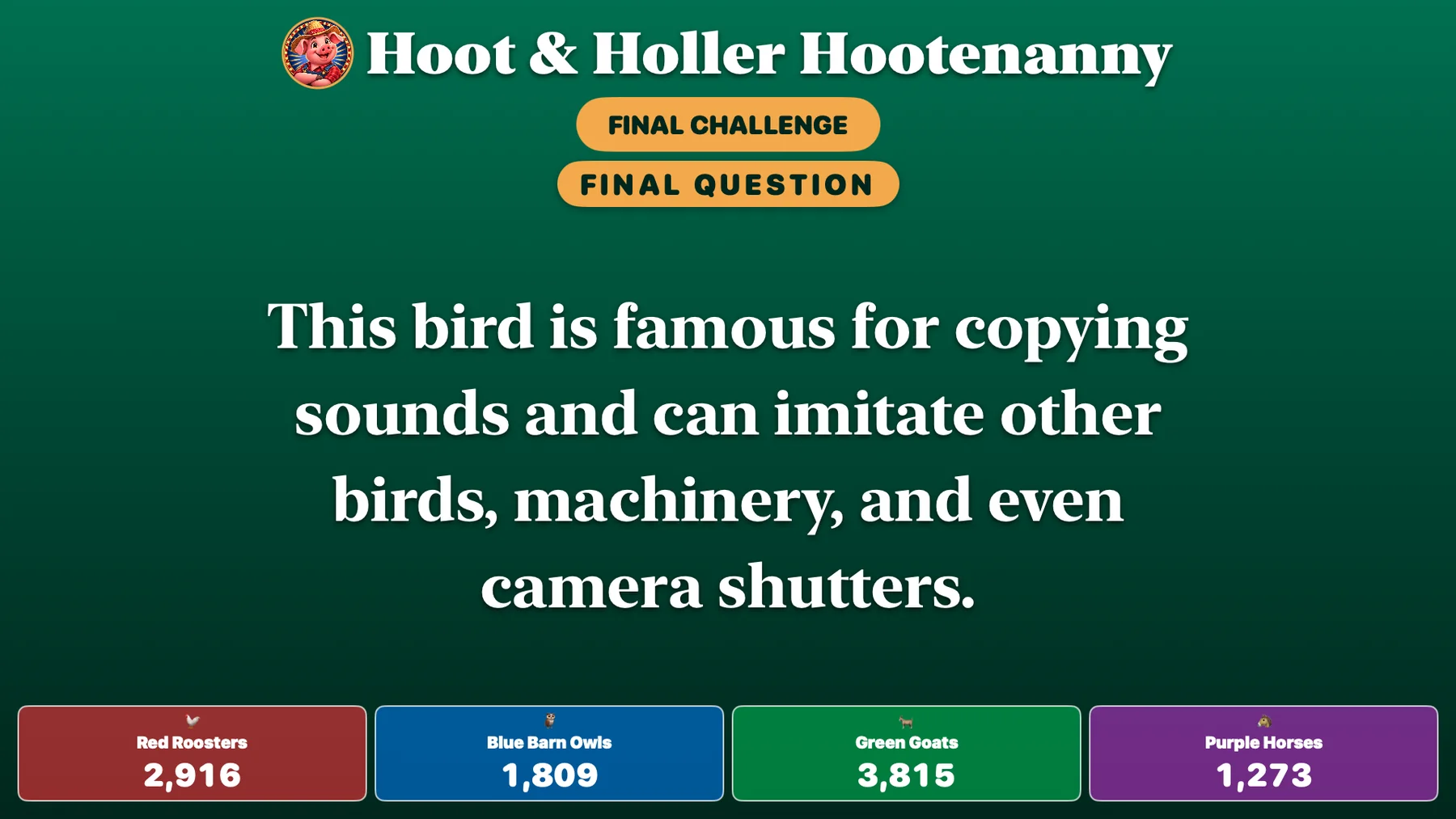
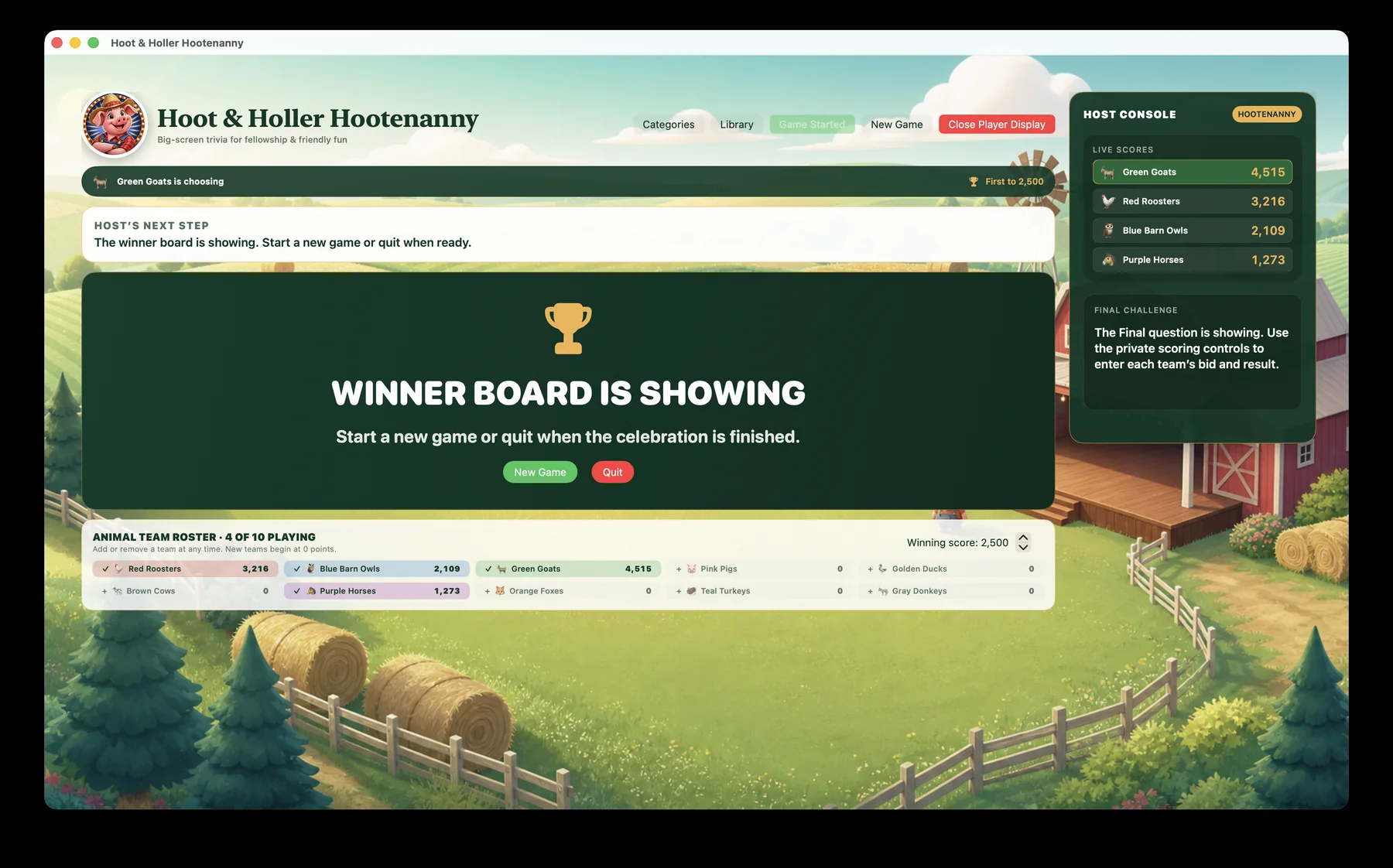
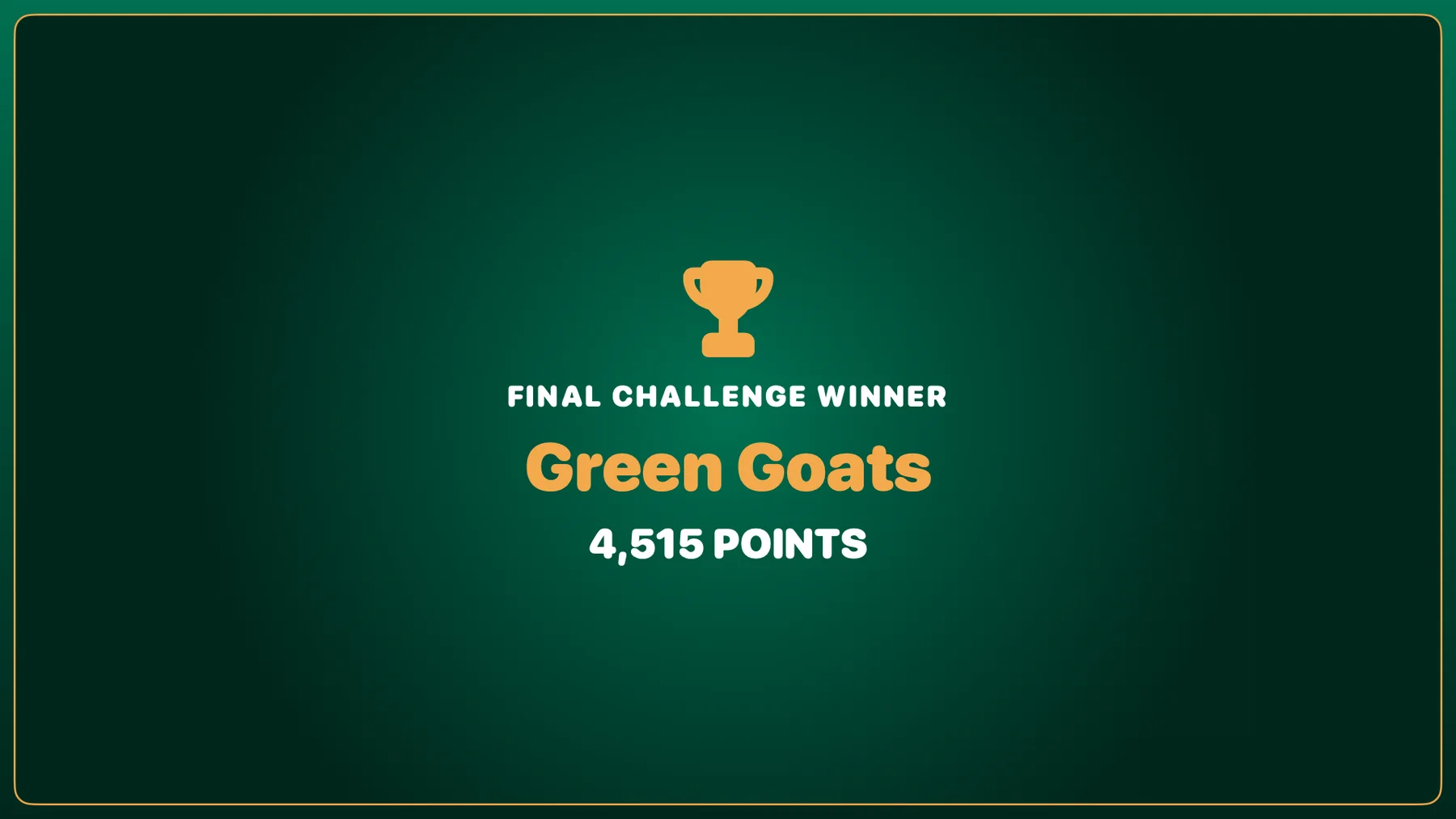
The host deliberately controls the final reveal. The Player Display finishes with a clear winning-team celebration.